Can ChatGPT See Who Unfollowed You on Instagram?

No. ChatGPT can't see who unfollowed you on Instagram. It isn't connected to your account, and Instagram doesn't keep an unfollow history that anyone could look up. What ChatGPT can do is compare lists you give it. Upload the followers file from your Instagram data download and it can tell you who doesn't follow you back. Upload two followers files from different dates and it can tell you who disappeared in between.
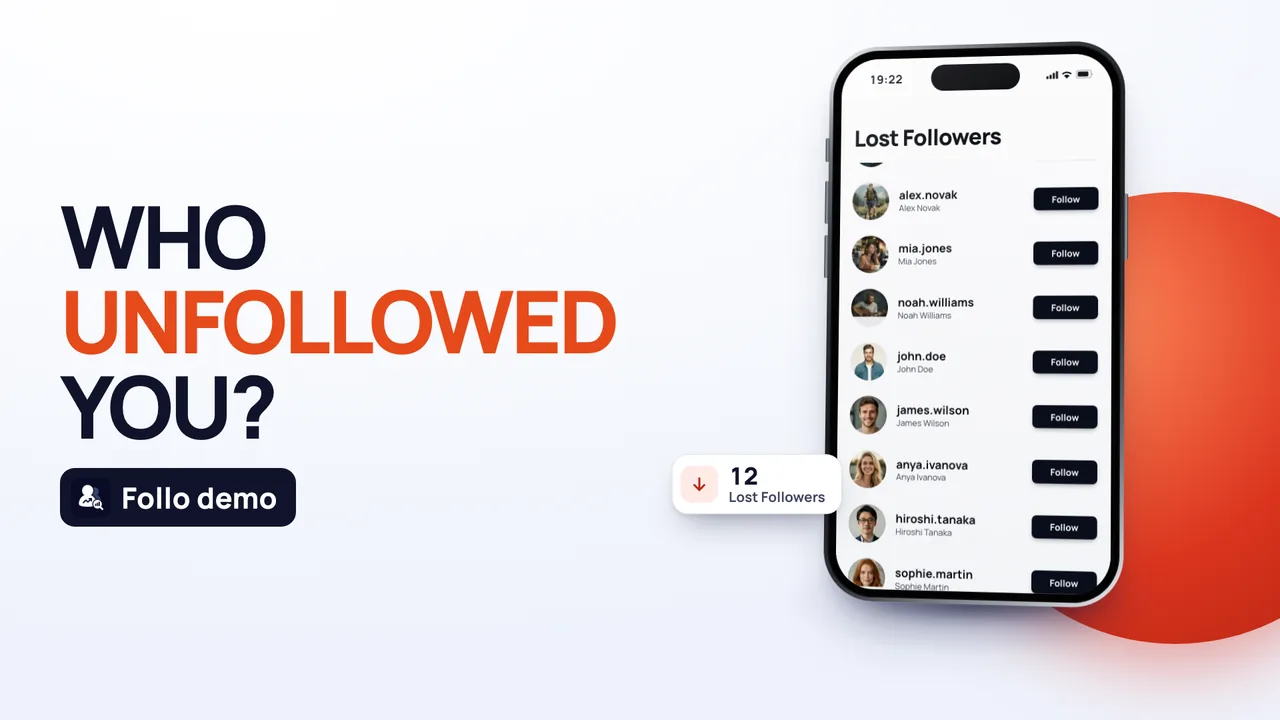 See who unfollowed you
That second part is where most "ChatGPT trick" videos go wrong. One download is a snapshot of today. It can't show who left last week, however you phrase the prompt.
Why ChatGPT can't see who unfollowed you
ChatGPT only knows what you type or upload into the chat. It has no view of your followers, your notifications or your account activity, and it can't sign in to Instagram for you. You shouldn't give it your password anyway: no legitimate method needs you to paste an Instagram password into a chat.
There's also nothing for it to find. Instagram notifies you about new followers but not about people who leave, and neither the app nor your data download contains a list of past followers. Every method that "shows unfollowers", including the apps, works the same way: it saves your followers list, reads it again later and compares the two.
What ChatGPT can do with your Instagram data download
Your data download is a ZIP file from Instagram's Accounts Center. The lists sit in the connections folder, inside followers_and_following:
- followers_1 lists the accounts that follow you. Large accounts get extra files (followers_2, followers_3 and so on), and you need all of them.
- following lists the accounts you follow.
- A file with "recently unfollowed" in its name, if you have one, lists accounts you unfollowed, not accounts that unfollowed you.
With those files ChatGPT can answer two questions reliably, as long as you check its work:
- Who doesn't follow you back: accounts in following that aren't in followers. One download is enough.
- Who unfollowed you: accounts in an older followers file that are missing from a newer one. You need two downloads from different dates.
How to use ChatGPT to see who doesn't follow you back
- In the Instagram app, go to your profile, tap the menu (three lines), then Accounts Center (or Meta Account, if your app has switched to the new name).
- Tap Your information and permissions, then Export your information (older versions say Download your information).
- Create an export of your Instagram profile to your device, select only followers and following, and choose JSON as the format.
- When Instagram emails you that it's ready, download the ZIP and unzip it.
- Start a new chat in ChatGPT and upload the followers file(s) and the following file from the followers_and_following folder.
- Paste a prompt like the one below.
Prompt: "These are my Instagram followers and following files. Using code, list every username in the following file that is not in any followers file. Tell me how many followers and how many following you read, and how many accounts are on the final list."
Asking it to use code matters. When ChatGPT actually runs the comparison, the counts come from the files. When it only reads them, it can skip or invent names, especially in long lists.
How to use ChatGPT to see who unfollowed you
You need two followers lists from different dates, so the method only works going forward:
- Request a first export today and keep the ZIP. Put the date in the file name.
- A few weeks later, or the day you notice a drop, request a second export.
- Upload the followers file(s) from both downloads and say which one is older.
- Ask: "Using code, list every username in the older followers files that is not in the newer ones. Give me the totals for both files."
Anyone on the result followed you on the first date and didn't on the second. Most of them unfollowed you, but not all: deactivated and deleted accounts drop out too, so do accounts that blocked you, and a username change looks like one person leaving and a new one arriving. Before you read anything into a name, open that profile and check.
The ChatGPT trick that doesn't work as promised
A version of this trick that circulates on TikTok, and that Brazil's TechTudo walked through in June 2025 (updated September 2026), uploads one download and asks ChatGPT to list who stopped following you recently. With a single download there's nothing to compare against. ChatGPT may answer anyway, either by guessing or by reading the "recently unfollowed" file, which is the list of people you unfollowed. Either way, the result isn't a list of your unfollowers.
Check ChatGPT's answer before you act on it
Language models can be confidently wrong, and a list of names is easy to get subtly wrong. Three quick checks:
- Compare the counts. The number of followers ChatGPT says it read should match the file, and be close to the count on your profile on the day you exported.
- Spot-check three names. Search for them in your Followers list on Instagram. If one of them does follow you, the comparison is off.
- Make sure every followers file was included. Missing followers_2 is the most common reason a "doesn't follow back" list is far too long.
What you share when you upload your lists
Your followers and following files contain other people's usernames and the dates they followed you. When you upload them, they're stored with that chat by OpenAI, under OpenAI's policies, not Instagram's. If that matters to you:
- Upload only the followers and following files, not the whole ZIP.
- Turn off the setting that lets OpenAI use your chats to improve its models (it's in ChatGPT's settings under data controls), or delete the chat when you're done.
- Never paste your Instagram password, a login code or a session link into ChatGPT or any other chat.
ChatGPT or an unfollower app?
ChatGPT is a good free option if you only want a one-off check and don't mind requesting downloads. The catch is that you do the saving and remembering: no second download, no comparison. An unfollower app keeps the baseline for you.
Follo is one of those apps, for iPhone and Android. You sign in inside the app on Instagram's official login page, so Follo never sees or stores your password (how the Follo sign-in works). It saves your followers and following lists as your starting point, reads them again each time you open it and shows who unfollowed you since your last check. It never follows, unfollows or posts anything by itself.
If you'd rather not use any app, the data-download method in our guide on how to see who unfollowed you on Instagram works with a spreadsheet too, and checking who doesn't follow you back covers the one-person checks.
Frequently asked questions
Can ChatGPT tell me who doesn't follow me back on Instagram?
Yes, if you upload your followers and following files from an Instagram data download and ask it to compare them with code. It can't find out on its own, because it has no access to your account.
Can ChatGPT see my Instagram followers?
No. It only sees files or text you share in the chat. It can't open your profile, your followers list or your notifications.
Is it safe to give ChatGPT my Instagram password?
No. Nothing in this method needs your password. Instagram asks for it only on its own pages, when you request your data download.
Can ChatGPT see who viewed my Instagram profile?
No. Instagram doesn't share profile visits with anyone, so there's no file for ChatGPT to read. Our article on who viewed your Instagram profile explains what you can see instead.
Does Gemini or another AI chatbot work any differently?
No. Any chatbot can only compare the files you give it, and the same limits apply: one download shows today, two downloads show the change between two dates.


