Who Doesn't Follow Me Back on Instagram? How to Check

Instagram has no button for "who doesn't follow me back on Instagram", which is a little odd given how many people want to know. You can still get the answer two ways: check people one at a time in the app, or compare your whole followers and following lists in one go. Which one makes sense depends mostly on how many accounts you follow.
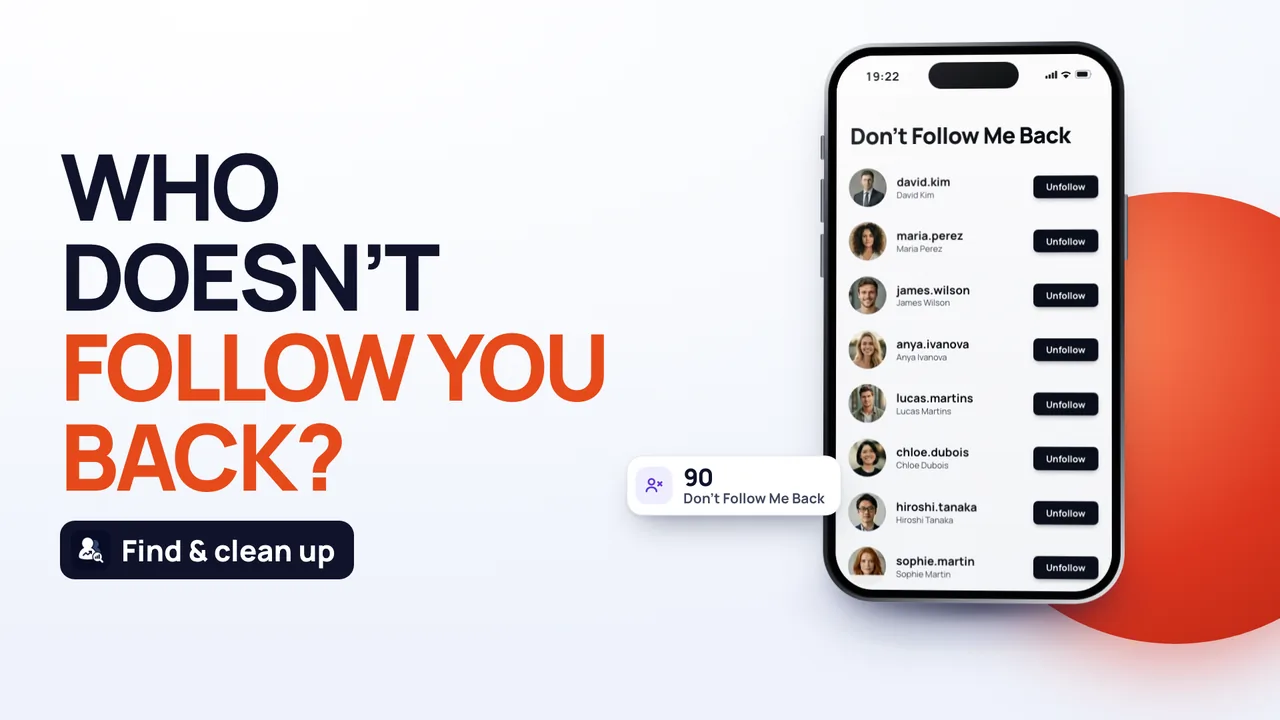 Find who doesn't follow you back
What "not following back" actually tells you
An account isn't following you back when it's on your following list but not on your followers list. That's all it means, and it only describes today.
It doesn't say how they got there. Someone who's not following back on Instagram right now may:
- never have followed you, which is normal for celebrities, brands, news pages and meme accounts;
- have followed you once and unfollowed later;
- have deactivated their account, deleted it or been removed by Instagram.
So a name on the list isn't proof that anyone walked away. Confirming an actual unfollow takes an older followers list to compare against.
How to check who's not following you back on Instagram by hand
For a handful of names, the Instagram app is all you need:
- Open the person's profile. If they follow you, you'll see a small "Follows you" label near their name.
- Or go to your own profile, tap Followers and type their username into the search bar. No result means they don't follow you.
- Repeat for anyone else you're curious about.
It's free, it's accurate, and it's why "who doesn't follow me back on Instagram without app" gets searched so often. It just doesn't scale. If you follow 1,200 accounts, you're looking at an evening of typing names into a search bar, and you'll almost certainly lose track somewhere in the middle.
Checking everyone at once
Instagram lets you download a copy of your account data, and that copy includes your complete followers and following lists. Put the two side by side and every non-follower shows up at once.
You request the file inside Instagram, under Accounts Center, then Your information and permissions, then Export your information. Ask only for Followers and following and the file stays small. Instagram emails you when it's ready, which is often quick but can take longer on a busy day. Then you compare the two lists yourself, in a spreadsheet for example.
An Instagram followers checker like Follo Tracker does the same comparison without the file, which is the easiest way to see who doesn't follow you back on Instagram. You sign in inside the app on Instagram's official login page, so Follo never sees or stores your password. It reads your followers and following lists and sorts them into three: people who don't follow you back, mutual follows, and fans you haven't followed back yourself.
Follo only reads your lists. It never follows, unfollows or posts anything on your profile.
What to do once you have the list
This is where people tend to rush. It's worth slowing down, because a non-followers list usually contains a mix of accounts you'd happily drop and accounts you'd miss.
- Keep the ones you enjoy. Following an illustrator, a football club or a recipe account that doesn't follow back is the whole point of Instagram.
- Drop the leftovers. Follow-for-follow accounts from years ago, shops that closed, people you genuinely can't place.
- Look twice at friends. A friend missing from your followers may have a new account, or tapped the wrong button. A quick message beats a silent unfollow.
- Take it slowly. Instagram can temporarily block accounts that unfollow a lot of people in a short time, so spread a big clean-up over a few days.
A list from today, not a history
Any non-followers list shows who follows whom on the day you check. People follow and unfollow constantly, so by next month the picture will have shifted a little.
If what you really want to know is who dropped off, you need an older list to compare against. By hand, that means keeping your first ZIP and requesting another export a few weeks later. In Follo, your first sign-in saves the lists, and each time you open the app it lists everyone who was in your followers before and isn't now. That's the reliable way to see unfollowers, rather than guessing from one list.
A good rhythm for most people: check once, tidy up your following list, then check again after a month or so. The first check shows you who doesn't follow back. The comparison shows you who changed their mind. If you want to try that on your own account, Follo Tracker is available on the App Store and on Google Play.
Frequently asked questions
How do I see who doesn't follow me back on Instagram without an app?
Look for the "Follows you" label on each person's profile, or search their name in your own Followers list. It's accurate and costs nothing, but it's slow once you follow more than a few hundred accounts.
Does "not following back" mean they unfollowed me?
Not necessarily. Plenty of accounts on that list never followed you at all. Only a comparison between an older and a newer followers list shows that someone actually left.
Will people know I checked who doesn't follow me back?
No. Looking at your own lists doesn't notify anyone, and Follo only reads your lists; it never follows, unfollows or messages anyone. Nobody on the list is told anything.
Why does someone show as not following back when I can see they follow me?
Any list is a snapshot of one moment, whether it's an export or your last check in an app. If they followed you after that, changed their username, or had their account briefly deactivated at the time, the lists won't match. A fresh check usually sorts it out.


