Is Follo safe? How the Instagram sign-in works
Follo is a third-party app for iPhone and Android that shows who unfollowed you on Instagram and who doesn't follow you back. It isn't made or endorsed by Instagram or Meta. Here is the short answer to whether it's safe to use, and the long answer is below:
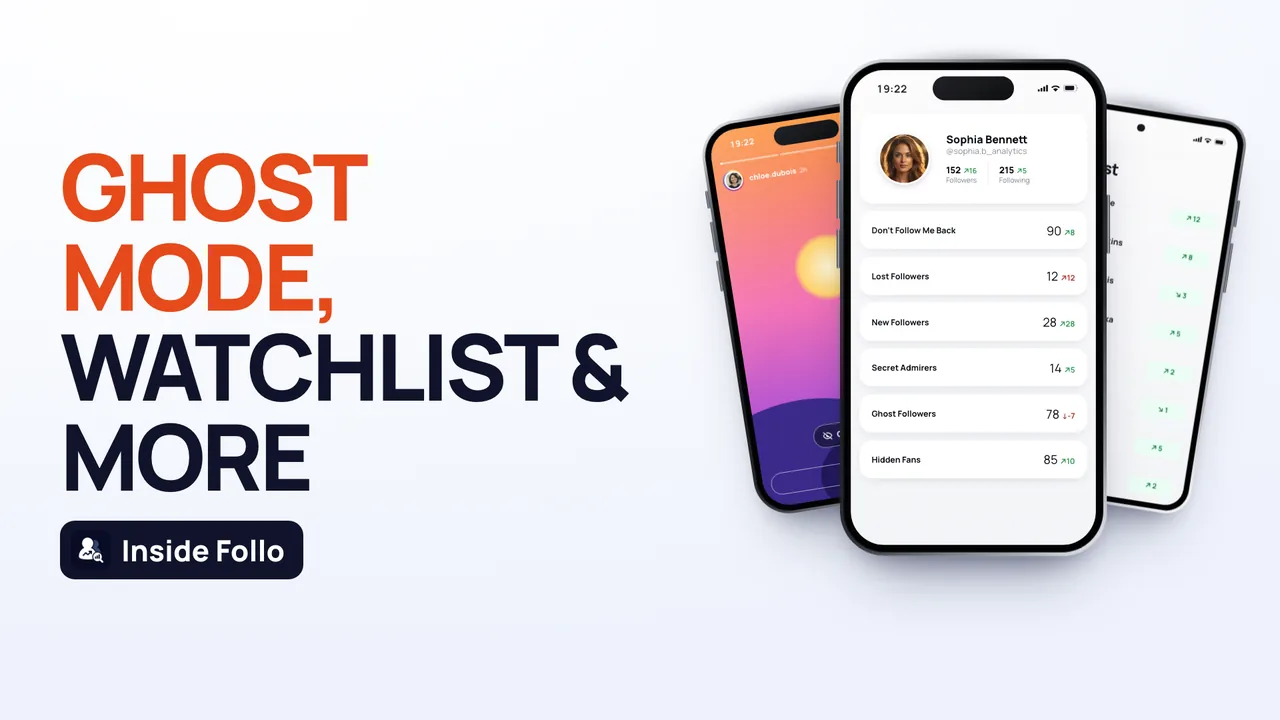 Everything inside Follo
- You sign in on Instagram's own login page, shown inside the app. Your password goes to Instagram. Follo doesn't read it, store it or receive it.
- Your follower lists and reports stay on your phone. Follo has no server that receives them.
- Follo never posts, comments, likes or sends messages, and it only follows or unfollows an account when you tap the button yourself.
- Some information does leave your phone: analytics and crash reports, purchase records and, if you allow them, push notifications. The full list is below and in our Privacy Policy.
- There is a real, if small, risk on Instagram's side. Instagram can ask you to confirm your identity or limit some actions when it notices a third-party tool. We explain what that looks like and what to do.
What happens when you sign in
Signing in to Follo means signing in to Instagram. The steps look like this:
- Follo opens Instagram's login page (instagram.com/accounts/login) in a browser window inside the app.
- You type your username and password into Instagram's page. They go to Instagram, as they would in any browser.
- If Instagram asks for a two-factor code or a security check, that screen is Instagram's too. You type the code yourself.
- Once you're in, Instagram gives the app the same kind of session a browser gets. Follo keeps it in the app's private storage on your phone and uses it only to talk to Instagram.
What the app does and doesn't do on that page:
- It only checks whether a password field is on the screen. It never reads what you type into it.
- It never fills in or submits your username or password.
- On a few of Instagram's own screens during sign-in, such as the prompt to save your login info, it taps the default choice for you so the sign-in can finish.
- If a sign-in fails, it records only a short technical category, such as "wrong password" or "two-factor required", so we can fix login problems. It doesn't record what you typed.
A safe rule for any app, not just ours: if an app asks for your Instagram password in a form it built itself, rather than on Instagram's own page, don't use it.
Why Follo asks you to sign in at all
Instagram only shows your followers and following lists to a signed-in account. To compare them again and again, an app has to read them as you. The alternative that needs no login at all is Instagram's data download, which we compare with Follo further down.
After you sign in, Follo asks Instagram for your data from your phone, the same way the Instagram website does when you browse it, and builds the comparisons on your phone.
What Follo reads from Instagram
- Your profile: user ID, username, name, bio, profile photo, whether the account is private or verified, and your follower, following and post counts. Instagram's account settings also return the email address and phone number linked to your account, if you added them.
- Your followers and following lists, which is what every unfollow comparison needs.
- Engagement signals: who liked your recent posts, who viewed your stories, your activity notifications, and who you've had recent Direct conversations with. These feed the insight reports, such as ghost followers and your biggest fans. Follo doesn't keep or show the text of your messages.
- Profiles you choose to open, for example with Search, the Watchlist or Ghost Mode. You only ever see what your own Instagram account is allowed to see, so private accounts stay private unless you already follow them.
What stays on your phone
Your lists, the earlier snapshots used for comparison, your Watchlist and your reports are kept in a database on your phone, and profile photos are cached there. We don't copy them to our own servers, because we don't run any that receive them.
What leaves your phone
We use a few service providers to run the app. This is what they receive, in the same words as our Privacy Policy:
- Google Firebase (analytics, crash reports, sign-in, remote settings): usage events such as screens opened and features used, device and app information, a pseudonymous app user ID, and the size of your own account (follower and following counts and ranges, private or verified). Your Instagram username isn't included in analytics events.
- RevenueCat (purchases): your subscription and purchase status and device identifiers, plus profile details attached to your customer record: username, full name, Instagram user ID, follower, following and post counts, and the email address and phone number linked to your Instagram account if Instagram returns them. We use this to unlock what you paid for, restore purchases and answer support requests.
- OneSignal (notifications): if you allow notifications, a push token, the pseudonymous app user ID and basic device information.
- Apple and Google handle payments. We never see your card details.
We don't sell your personal information, and there are no ads inside the app.
What Follo never does
- It never posts, comments, likes, sends messages or follows and unfollows anyone on its own. When you tap Unfollow on a list, it sends one request for that one account. There is no mass unfollow.
- It doesn't show who viewed your profile, because Instagram doesn't share that with anyone. The Profile Visitors report is an estimate based on interactions such as story views and likes.
- It doesn't open private accounts.
- It doesn't claim certainty it doesn't have. Who Blocked Me lists possible blocks, not confirmed ones.
Can using Follo get your Instagram account restricted?
We can't promise that it won't, and no honest third-party app can. Instagram decides on its own when to show a security check, ask you to verify your account, limit some actions or restrict an account, and third-party tools are one of the things it looks at. What we do to keep the risk low: Follo reads your data from your own phone in limited batches, backs off and tries again later when Instagram slows it down, never takes automatic actions, and never asks for your password in a form of its own.
What you may see, and what to do:
- A "confirm it's you" prompt from Instagram. That's Instagram protecting your account. Confirm it in the Instagram app or on the page it shows you.
- "Instagram session needs attention" in Follo. Your Instagram session ended. Sign in again on Instagram's page inside the app.
- "Instagram didn't recognise this connection". Instagram blocks some shared networks. Switch between Wi-Fi and mobile data, turn off any VPN and sign in again.
- A login alert you don't recognise. Change your Instagram password and check where you're logged in under Password and security in Accounts Center.
If you unfollow people from Follo, do it at a calm pace. Unfollowing many accounts in a short time is the kind of activity Instagram limits, whichever app you tap in.
Follo or the "download your data" method?
Search for unfollower apps and you'll often read that the safest way is Instagram's own data download. For people who don't want any app signed in to their account, that's true, and we recommend it to them. The two approaches trade off differently:
- Instagram data download: no third-party login and completely free. But each download is a snapshot you have to request yourself, it can take a while to arrive, and you compare the files yourself in a spreadsheet or a tool. It can't show unfollows between downloads you didn't make.
- Follo: you sign in once on Instagram's page, and the app reads your lists again each time you open it and shows what changed since your last check. The trade-off is that an app on your phone holds an Instagram session.
Our guide on how to see who unfollowed you on Instagram walks through the data-download method step by step, spreadsheet formula included.
How to sign out and delete your data
- Sign out: in Follo, open Settings and tap Log Out. This deletes your Instagram session and the app's cookies from your phone.
- Delete everything on your phone: delete the app, or clear its data in your phone's settings. Logging out alone keeps your saved lists on the phone.
- Delete data held by our providers: email support@follotracker.com. The support email you send from Settings, Help & Support already contains the app user ID and device ID we need to find your records.
- Check Instagram's side: under Password and security in Accounts Center, "Where you're logged in" lists active sessions, and you can end any of them.
- Subscriptions are separate: deleting the app doesn't cancel your subscription. Cancel in your App Store or Google Play account.
Frequently asked questions
Does Follo see my Instagram password?
No. You type it into Instagram's own login page, and it goes to Instagram. The app doesn't read, record or store it.
Is Follo affiliated with Instagram?
No. Follo is an independent app. It isn't affiliated with, sponsored or endorsed by Instagram or Meta.
Are my followers uploaded to your servers?
No. Your lists and reports stay on your phone. The providers listed above receive usage, purchase and notification data, not your follower lists.
Does Follo work if my account is private?
Yes. You sign in to your own account, so Follo can read your own lists whether your account is public or private.
Can Follo unfollow people for me automatically?
No. Follo only follows or unfollows an account when you tap the button, one account at a time.
How do I report a security problem?
Email support@follotracker.com. Our Terms of Use and Privacy Policy set out how the app may be used and how we handle data.